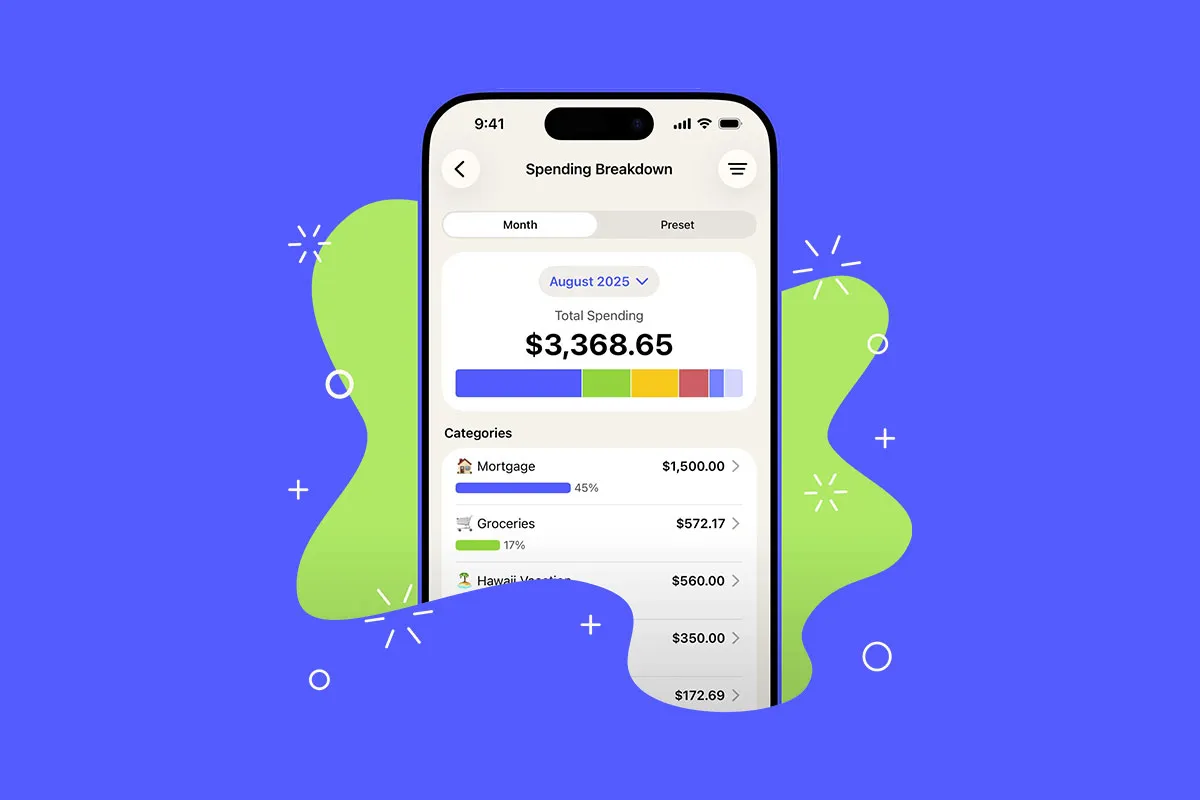
Here is the short version, in case you are in a hurry: there is no single best budgeting app, only the best one for how you handle money. If you want hands-on control, YNAB wins. If you share finances with a partner, Monarch is hard to beat. If you live on an iPhone and care about design, look at Copilot. And if you mostly want to stop paying for subscriptions you forgot about, Rocket Money does that better than anyone. I wanted the best budgeting apps compared without the usual fluff, so below I break down what each one costs, what it does well, and who it is for.
Start With the Problem, Not the App
The biggest mistake I see is people picking an app because of a slick YouTube review, then quitting three weeks later because it did not match how their brain works. Before you compare features, get clear on what you are trying to fix. Are you trying to stop overspending? Pay off debt? Just see where the money goes? Stop leaking cash on subscriptions? Get a partner on the same page? Each of those points to a different kind of app, and once you name the problem, the choice gets a lot easier.
The best budgeting app is not the one with the most features. It is the one you will still be opening in March.
There is also a split between two philosophies worth understanding. Some apps are active. They make you assign every dollar a job before you spend it, which changes behavior but takes effort. Others are passive. They track what already happened and show you clean charts, which is easier but does not stop you in the moment. Neither approach is better. They suit different people, and knowing which camp you fall into tells you most of what you need.
YNAB: Best for Hands-On Control and Breaking Bad Habits
YNAB (short for You Need A Budget) is the app people either swear by or bounce off of, and the reason is the same in both cases: it makes you work. It is built around zero-based budgeting, where every dollar gets a job before you spend it. You are not staring at the past, you are deciding the future on purpose. In my experience, this is the app that changes behavior, because it forces a decision every time money lands in your account. If you are carrying debt or stuck in a paycheck-to-paycheck loop, that friction is the entire point.
The catch is price and learning curve. YNAB costs $14.99 a month or $109 a year, which makes it one of the most expensive budgeting apps out there. There is a 34-day free trial but no permanent free version, and the way it handles credit cards trips up a lot of new users in the first couple of weeks. Students can get a year free with a .edu email, and the annual plan covers up to six people, so couples or families can split the cost. If you want to open an app, glance at a number, and close it, YNAB will frustrate you. If you want it to make you think, that is exactly what you are paying for.
Monarch Money: Best for Couples and Seeing the Whole Picture
When Mint shut down in early 2024, millions of people went looking for a replacement, and Monarch Money is where a lot of them landed. It was built partly by former Mint product people, and it shows. Instead of pure budgeting, Monarch gives you the full financial dashboard: spending, net worth, investments, and goals in one place. Where it really stands out is couples. Both partners get full access on one subscription with no per-person fee, which most apps still cannot say.
Monarch is not free, though. The Core plan runs $14.99 a month or $99.99 a year, with a newer Plus tier at $199 a year aimed at investors and small business owners that most people can skip. There is a 7-day free trial. The tradeoff is that Monarch is great at showing you where money went but does not stop you from overspending in the moment the way YNAB does. If you want one clean view of your entire financial life, especially as a household, it is one of the best paid options in 2026.
Copilot: Best for iPhone Users Who Want It to Look Good
Copilot is the app people show their friends because it is just nice to look at. It was built for Apple from day one, and it was an Apple Design Award finalist in 2024. The standout feature is its AI categorization, which learns from your corrections and gets scary accurate after a few weeks, so the daily chore of cleaning up transactions mostly disappears. It also tracks investments and net worth, so you get a full picture without juggling separate apps.
Here is the dealbreaker for some people: Copilot is essentially Apple-only. It costs $13 a month or $95 a year, and while it added a limited web app in late 2025, there is still no real Android app. If your partner is on Android, Copilot cannot be your shared household tool. It is also single-user, with no couples mode. But if you live entirely in the Apple world, want investment tracking, and will actually open the app because it looks good, few tools make daily check-ins this painless.
Rocket Money: Best for Cutting Forgotten Subscriptions
Rocket Money (it used to be called Truebill) solves a different problem than the others. It is less about building a careful budget and more about plugging the leaks. It scans your accounts, surfaces every recurring charge, and with the paid plan, a Rocket Money agent will cancel the ones you do not want so you do not have to sit on hold yourself. It will also try to negotiate your cable, internet, or phone bill on your behalf.
The pricing is unusual. There is a free tier, limited to two custom budget categories, and Premium uses a pay-what-you-want model, usually somewhere between $6 and $14 a month, with a 7-day trial. Bill negotiation is available to everyone, but if it succeeds, Rocket Money takes 35 to 60 percent of your first year of savings, which is worth doing the math on before you opt in. If you are a detail-oriented budgeter who wants to track every transaction, Rocket Money will feel thin. If you suspect you are quietly paying for three streaming services you never watch, it can pay for itself fast.
We've covered the big paid apps now. Before we get to the cheaper and free options, I put together a free one-page comparison of every app in this guide, with the price and best use case for each one side by side. Grab it below so you have something to refer back to once you have read the whole thing.
The Cheaper and Free Options Worth a Look
Not everyone needs to pay $100 a year. A few solid tools cost little or nothing, depending on what you need. Empower (formerly Personal Capital) is free and leans heavily toward investments and net worth, so it is great if tracking your portfolio matters more than line-by-line budgeting, though its budgeting features are light. EveryDollar, Dave Ramsey's app, has a free manual version and a paid tier around $79.99 a year if you want automatic bank syncing, and it uses the same zero-based approach as YNAB with a gentler learning curve.
For envelope-style budgeting, Goodbudget keeps things old-school with a free tier (a limited number of envelopes and one account) and a paid plan around $80 a year, and it works well for couples paying off debt because you can sync envelopes across phones. PocketGuard is the "how much can I spend right now" app, with a simple free version and Plus around $74.99 a year. And Simplifi by Quicken is a strong middle-ground tracker, often discounted to around $48 a year from its $83.88 list price. Any of these can be the right call if YNAB or Monarch feels like overkill.
The Best Budgeting Apps Compared at a Glance
Here is the quick reference if you just want the bottom line on each. YNAB ($109/year) is for hands-on control and changing your habits. Monarch ($99.99/year) is for couples and a full financial dashboard. Copilot ($95/year) is for iPhone users who want beautiful design and easy automation. Rocket Money (free, or pay-what-you-want Premium) is for killing forgotten subscriptions. And for free or cheap, look at Empower for investing, EveryDollar or Goodbudget for envelope-style budgeting, and PocketGuard or Simplifi for simple spend tracking.
How to Pick the One You'll Actually Use
Forget the feature checklists for a second and answer three questions. First, do you want the app to make you plan, or just track what happened? That splits YNAB and EveryDollar (planners) from Monarch, Copilot, and Empower (trackers). Second, are you doing this with someone else? If yes, you need shared access, which points to Monarch or YNAB. Third, what phones are involved? An Android in the house rules out Copilot.
After that, the only real test is using the thing. Almost all of these apps offer a free trial, so do not agonize over the decision on paper. Pick the one that matches your answers, connect your real accounts, and live with it for one full month and pay cycle. You will know within a few weeks whether it fits, and switching later is not the end of the world.
The worst budgeting app is the expensive one sitting unopened on your phone.
The Bottom Line
If I had to compress all of this into one sentence: match the app to your problem, not the other way around. Want to change how you spend? Start YNAB's free trial. Sharing money with a partner? Try Monarch. On an iPhone and tired of clunky apps? Copilot. Drowning in subscriptions? Rocket Money. On a tight budget yourself? Empower or EveryDollar's free tier will get you surprisingly far.
Your next step is simple. Pick one, just one, and start its free trial today, then commit to using it for a single pay cycle before you judge it. If you want a head start, download the free budgeting checklist below to set up your first month the right way, whichever app you land on. The hardest part is not choosing the perfect tool. It is opening it next week, and the week after that.